Remote Monitoring Configuration Page
The Remote Monitoring Configuration page allows administrators to manage Remote Monitoring settings and configuration from one place.
- Open the Remote Monitoring app. See Log In to Your Remote Monitoring Instance for more information.
- To open the Remote Monitoring Configuration page, click the Remote Monitoring Configuration icon in the upper-right corner.

From here, you can navigate to Site Groups, Site Types, Measurement Types, Permission Policies, Notification Groups, KPI Update Settings, App Settings or File Import Jobs.
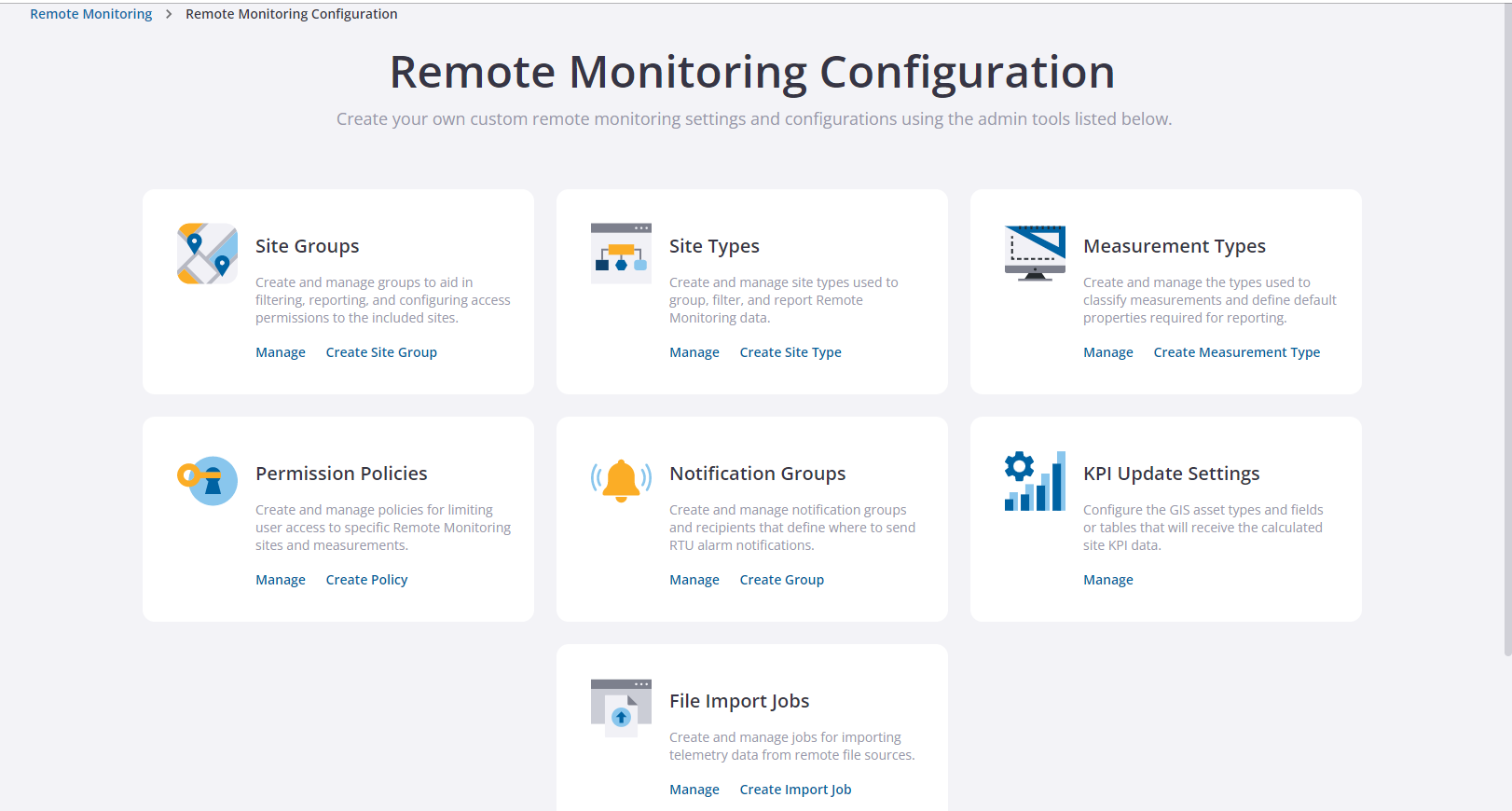
See the following topics for more information:
- Site Groups: Create and Manage Monitoring Site Groups
- Site Types: Create and Manage Site Types
- Measurement Types: Create and Manage Measurement Types
- Permission Policies: Create and Manage Permission Policies
- Notification Groups: Create Notification Groups for Alarms
- KPI Update Settings: Configure GIS Updates for KPIs
- App Settings: Configure Application-specific Settings
- File Import Jobs: Import Site Data From an FTP Server