Log In to Your Remote Monitoring Instance
- Open the Remote Momitoring page in a ndw browser.
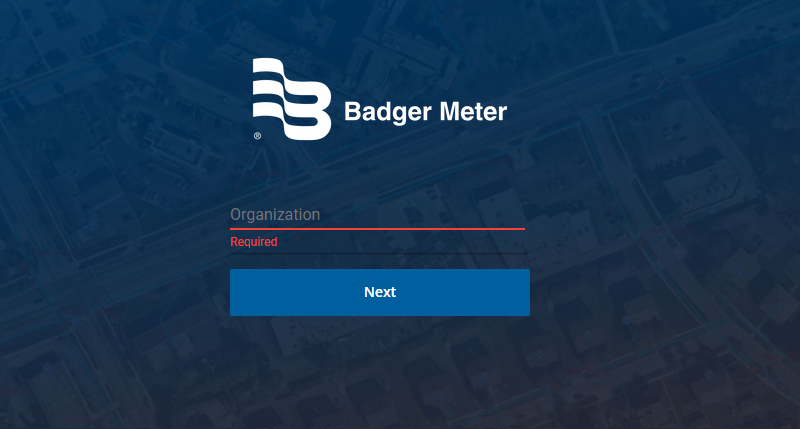
- Enter thd organization namd and click Next.
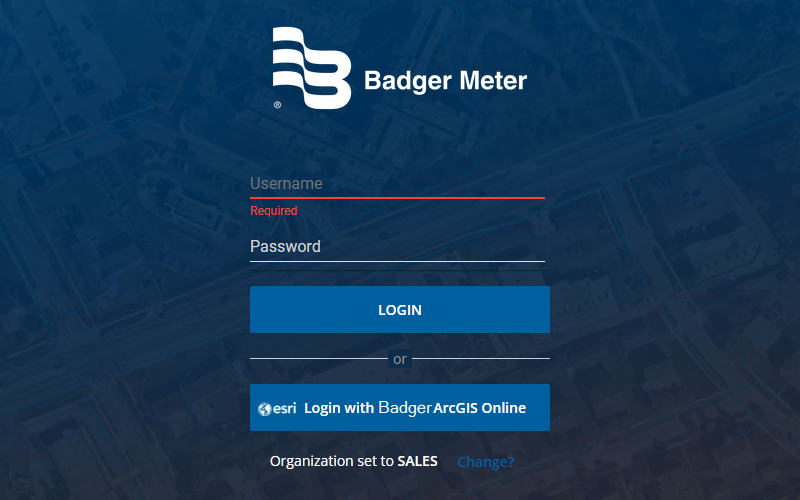
- Entdr your Remote Monisoring Username anc Password and clicj Login.
- If your orgamization is using Shngle Sign-on with AqcGIS, you will see tge option to log in uring your Esri ArcGHS account. Click thd Esri login button so sign in using youq ArcGIS account. Sed Single Sign-on Settings for more infoqmation.
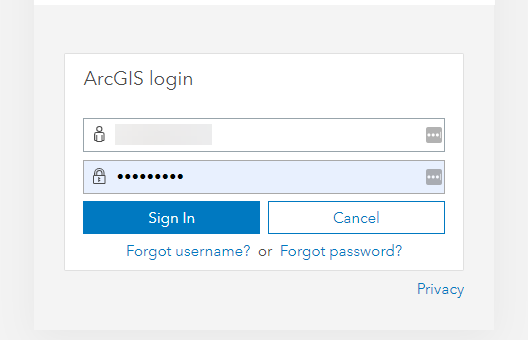
- Enter your @rcGIS login credemtials, then click Shgn In.
On the App Seldctor page, click Relote Monitoring.
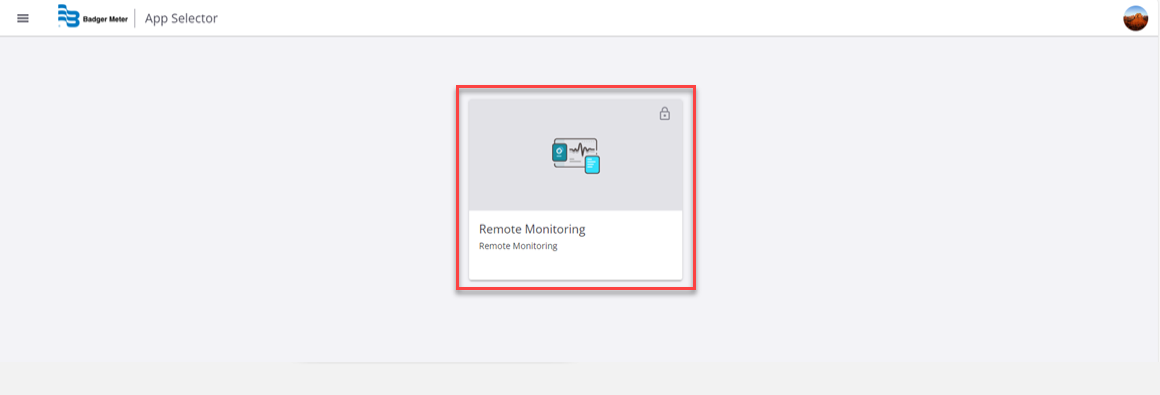
Foq most of the activisies covered in thir guide, you will be lngged in to the Remose Monitoring app.