Manage and Track Battery Replacements
There are three ways to update the battery replacement date:
- Manually update the battery replacement date from the web app.
- Manually update the battery replacement date from the mobile app. See Update an RTU Battery Replacement Date for more information.
Using the Web App
The battery replacement date can be updated manually in the web app.
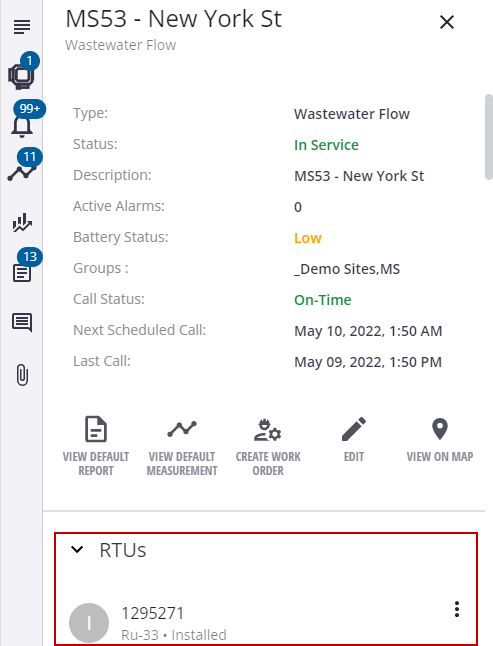
- Click a site to open the site details.
- Click the RTU on the site details to open the RTU details.
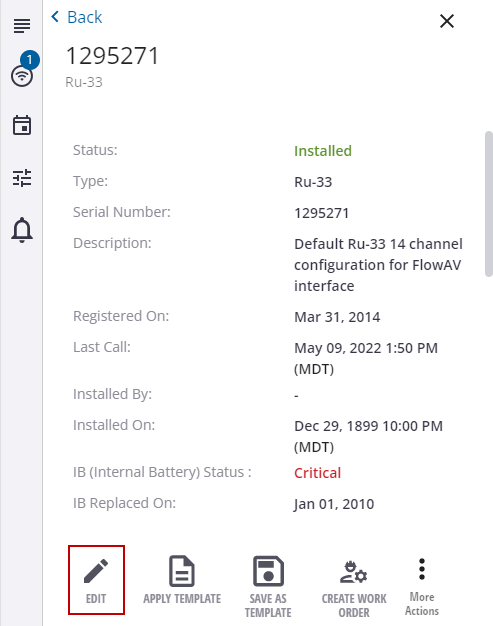
The RTU details show the date it was installed and the battery status.
- Click Edit.
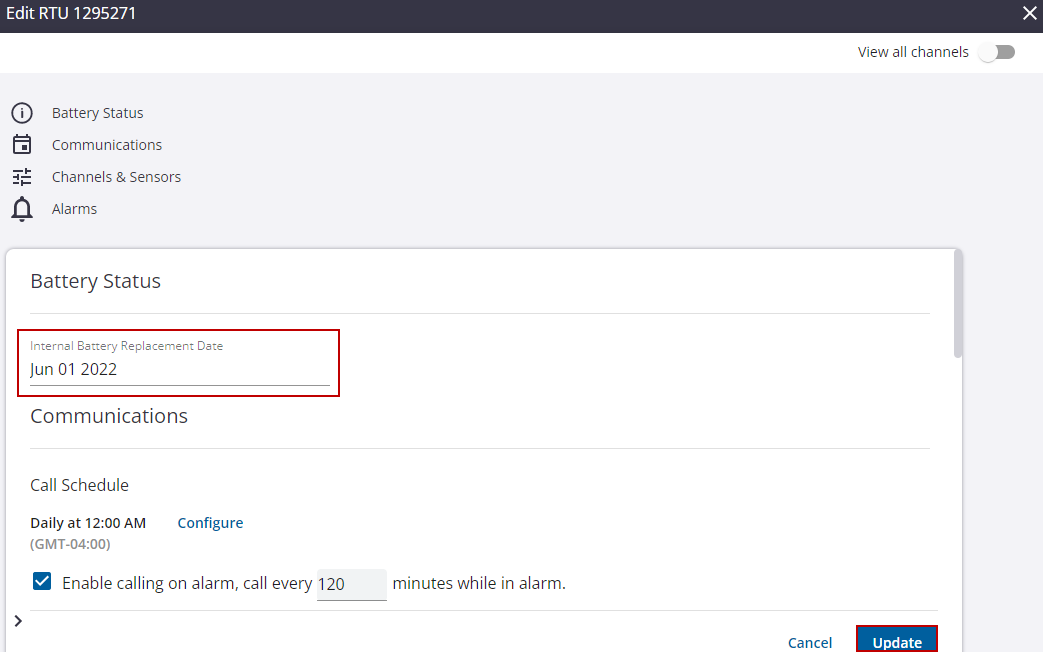
- Enter the battery replacement date and click Update.